I’ve been watching colleagues in UK design studios experiment with the Apple Vision Pro since those first demo videos landed. As someone who follows tech, business and creative workflows, I’m fascinated by one simple, pragmatic question: can this headset actually reduce production budgets for real projects — and if so, in what ways does it fall short? After spending time talking to studio leads, freelancers and product designers across London and the regions, here’s what I’ve learned from the front line.
Where Vision Pro can trim costs — quick wins
There are a handful of scenarios where adopting the Apple Vision Pro produces immediate, measurable savings for studios.
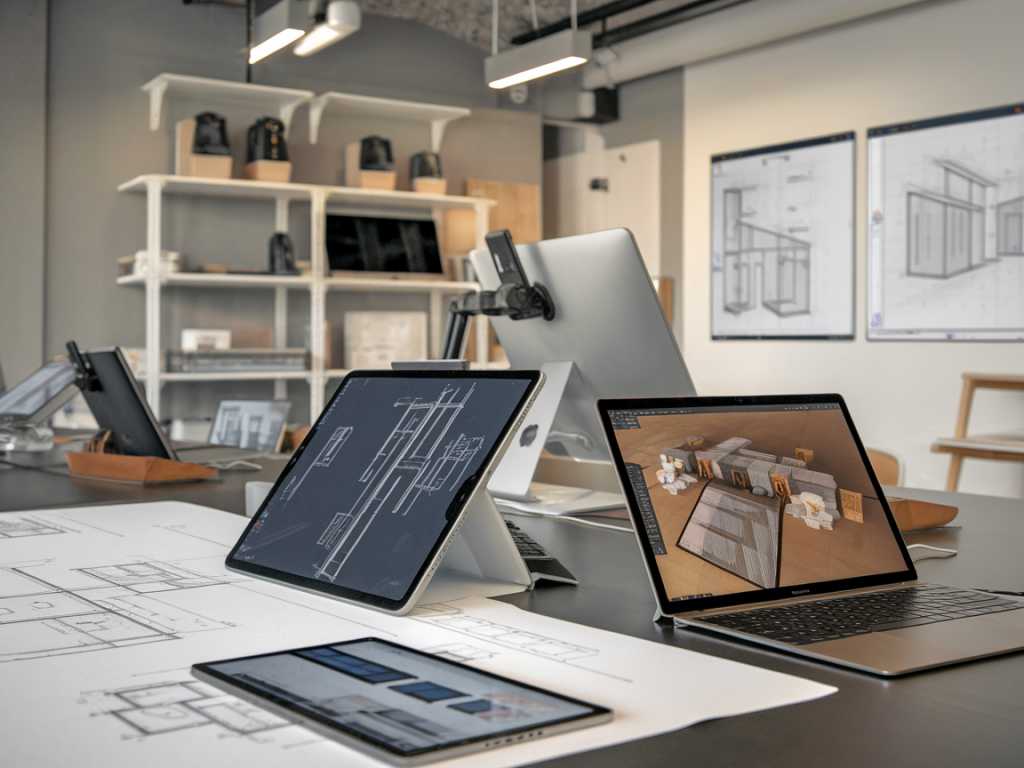
Instead of printing large mock-ups, building physical prototypes or booking out time in specialised viewing rooms, teams can use Vision Pro to view immersive mock-ups and AR overlays at scale. That reduces material costs and shortens the review cycle: fewer rounds of revision mean less designer time billed and faster client approvals.
Many UK studios spend thousands on travel for stakeholder workshops, location scouting and client demos. Vision Pro’s spatial audio and shared virtual spaces can replace some in-person meetings, particularly early-stage walkthroughs and concept presentations. Cutting even a few return trips between cities saves transport, accommodation and lost-billable-hours.
Usability testing in a realistic environment is expensive when you rent labs or build multiple high-fidelity prototypes. With Vision Pro, designers can simulate environments — a high street, a retail shelf, a hospital ward — and run quick user tests with lower overhead. That speeds up iteration and prevents costly late-stage changes.
Because Vision Pro supports ultra-high-resolution spatial assets, studios are finding they can create one VR/AR version of an asset and derive renders for web, mobile and social from the same master. Reusing assets reduces duplicated work across channels and lowers overall production cost.
Where it doesn’t save money — and why studios should be cautious
It’s not a magic bullet. Several structural and practical limitations mean Vision Pro can also increase costs or fail to deliver hoped-for savings.
Vision Pro isn’t cheap. Buying units for a small studio is a significant capital expense, and the cost rises quickly if you want a handful for team use. Add software subscriptions, cloud rendering credits and the staff time needed to learn new workflows, and that initial outlay can outweigh near-term savings.
Creating polished spatial experiences requires different skills from traditional graphic or product design. Studios must hire or train spatial designers, 3D modellers, and developers familiar with Apple’s RealityOS and tools like Reality Composer or Unity/Unreal integrations. Recruitment and upskilling increase operating costs before any efficiency gains materialise.
Most studios have established asset pipelines tied to Adobe Creative Cloud, Figma, or established 3D workflows. Bridging these to Vision Pro-friendly formats isn’t always straightforward. Expect time spent building converters, reworking assets and adjusting processes — work that’s often invisible but expensive.
Many clients remain conservative. For sectors like finance, legal, or some public services, the business case for immersive delivery is weak. Convincing risk-averse clients to approve higher-priced immersive work can require subsidising early projects or offering discounts, which compresses margins.
Common questions I hear (and honest answers)
Not in the near term. For tactile products — fashion, furniture, packaging — you still need to feel materials and test ergonomics physically. Vision Pro reduces some prototyping rounds but can’t fully substitute tactile validation.
Yes, but cautiously. Smaller studios often buy a single unit for demonstrations and remote client walks, leaving heavy production on traditional platforms. That’s sensible: it lets the studio showcase capability without the full investment in headcount and hardware.
Clients will pay more where the added value is clear: complex spatial design, architecture visualisation, or premium retail showcases. For commodity deliverables, clients won’t accept higher fees just because a headset was used.
How UK studios are balancing cost and capability
From my conversations, successful studios adopt a hybrid approach:
Quick cost-versus-benefit snapshot
| Area | Typical cost impact | Notes |
|---|---|---|
| Hardware | High upfront | Price per Vision Pro unit plus accessories |
| Travel & meetings | Medium to low (savings) | Remote immersive demos reduce some trips |
| Prototyping | Low to medium (savings) | Fewer physical prototypes but tactile needs remain |
| Staff skills | Medium (cost) | Training and hiring spatial designers |
| Client pricing | Mixed | Depends on client appetite for premium experiences |
Practical tips if you’re running a UK studio
I’ve seen studios that treat Vision Pro as a shiny toy and others that embed it into disciplined workflows. The difference is strategy. For many UK design teams the headset offers a real chance to cut certain production costs and speed decision-making — but only when adopted with clear targets, realistic expectations and an eye on integration costs. Otherwise, it risks becoming another expensive promise that lives on the project plan but not the balance sheet.